This section shows how to improve the transfer of learning to the job by showing how to present media.
⋯
Use animations or videos to explain complex visual changes.
Example:
This video shows learners how to create smooth cursor movement in Camtasia.
Rationale:
Motion can show frequent changes more clearly than static images.
⋯
Use images to show steps when motion isn’t frequent.
Example:
This example uses images to show the steps for making coffee.

Rationale:
Images make steps easy to inspect, compare, and revisit compared to video.
⋯
Play videos in short 1–2 minute segments.
Example:
This 13-second video shows one step in a process. The following steps can be shown in separate videos.
Rationale:
Playing clips in short segments encourages pauses for discussion, questions, or practice, which helps learners understand the content.
⋯
Use simplified illustrations.
Example:
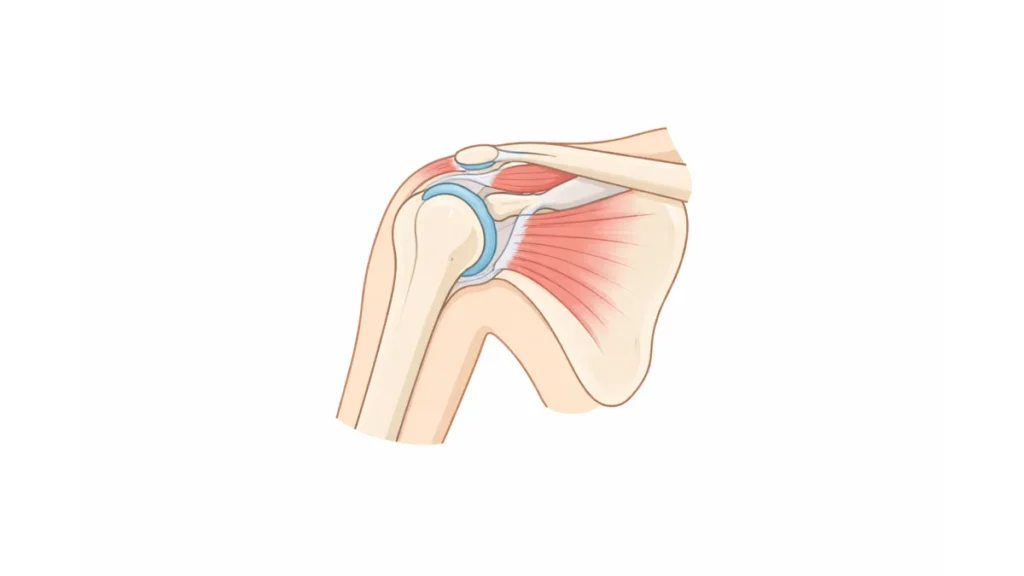
This simplified illustration shows the shoulder joint.
Rationale:
Realistic images often include extra details that don’t support the message and can make them harder to understand.
⋯
Use relevant graphics.
Example:
The slide on the left uses a relevant graphic to support the content, while the slide on the right uses a decorative image. The grey rectangles represent text placeholders to keep the focus on the design choice rather than the topic.


Rationale:
A relevant graphic, unlike a decorative image, helps people understand ideas.
⋯
Use cues to direct attention.
Example:
The image below uses a zoomed-in highlight box.

Rationale:
Cueing shows learners where to focus, making the image easier to understand.
⋯
Place labels next to the relevant part of an image.
Example:
The image below places labels next to the relevant parts rather than in a legend. The label appears when clicked, but is intentionally blank to keep the focus on the design principle rather than the content.

Rationale:
Placing labels in a legend requires learners to look back and forth between the legend and the image, making it harder to process.
⋯
Use audio narration to explain on-screen videos.
Example:
All videos on this page include audio narration rather than on-screen text.
Rationale:
Using audio narration rather than on-screen text reduces the need to move back and forth between reading text and watching the video.
⋯
Add captions.
Example:
All videos on this page include the option to use captions.
Rationale:
Captions can help learners understand the content when technical terms or accents make audio harder to follow.
⋯
Write in a conversational style using words like “you” and “we.”
Example:
- Formal: This step will be demonstrated so the process can be understood.
- Conversational: We’ll walk through this step so you can see how it works.
Rationale:
A conversational style can make content feel more engaging and easier to understand.